File list
This special page shows all uploaded files.
First page |
Previous page |
Next page |
Last page |
| Date | Name | Thumbnail | Size | User | Description | Versions |
|---|---|---|---|---|---|---|
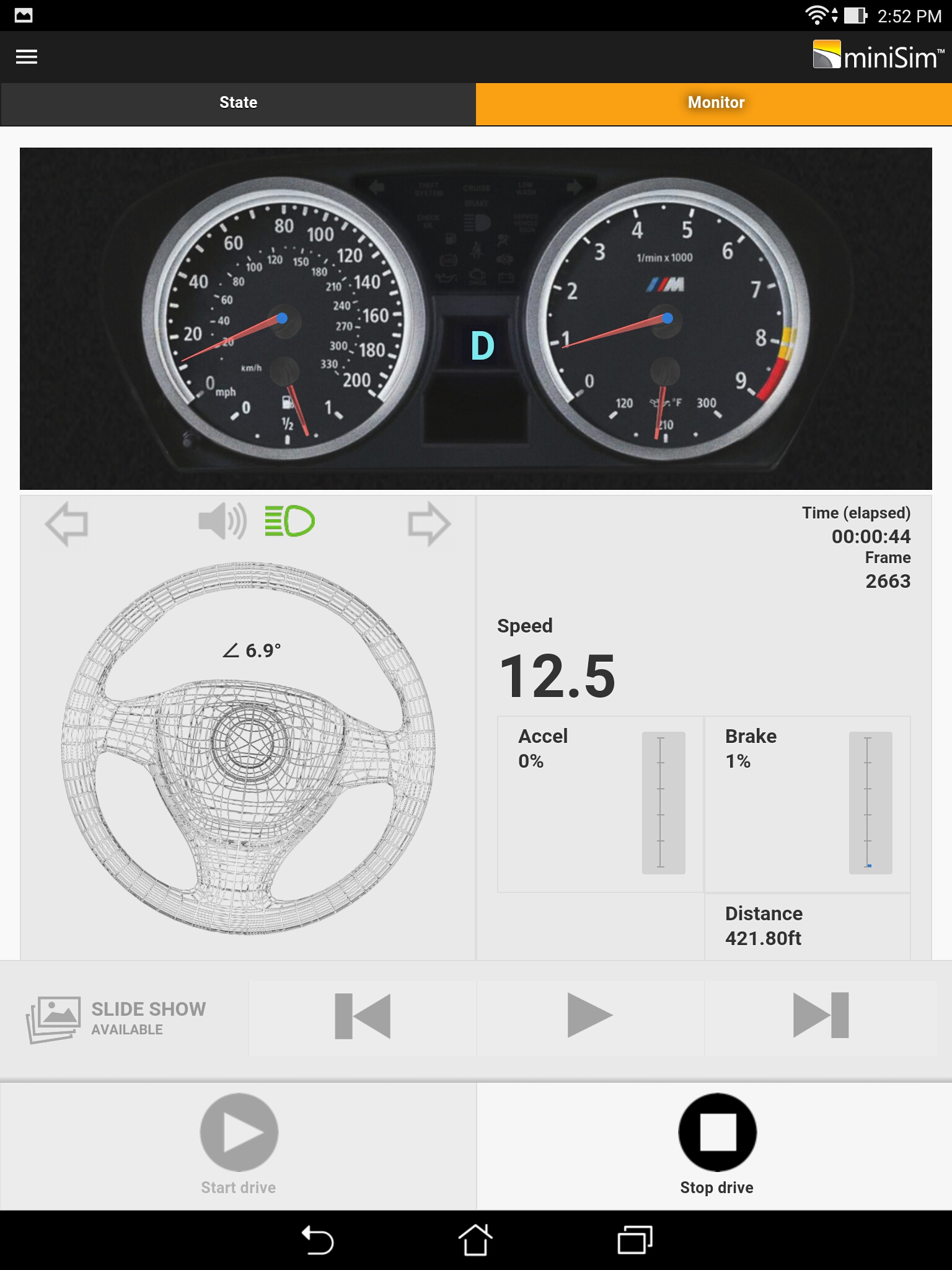
| 09:16, 27 May 2016 | Screenshot 2016-05-26-14-52-39.jpg (file) |  |
773 KB | Steve Cable | File uploaded with MsUpload | 1 |
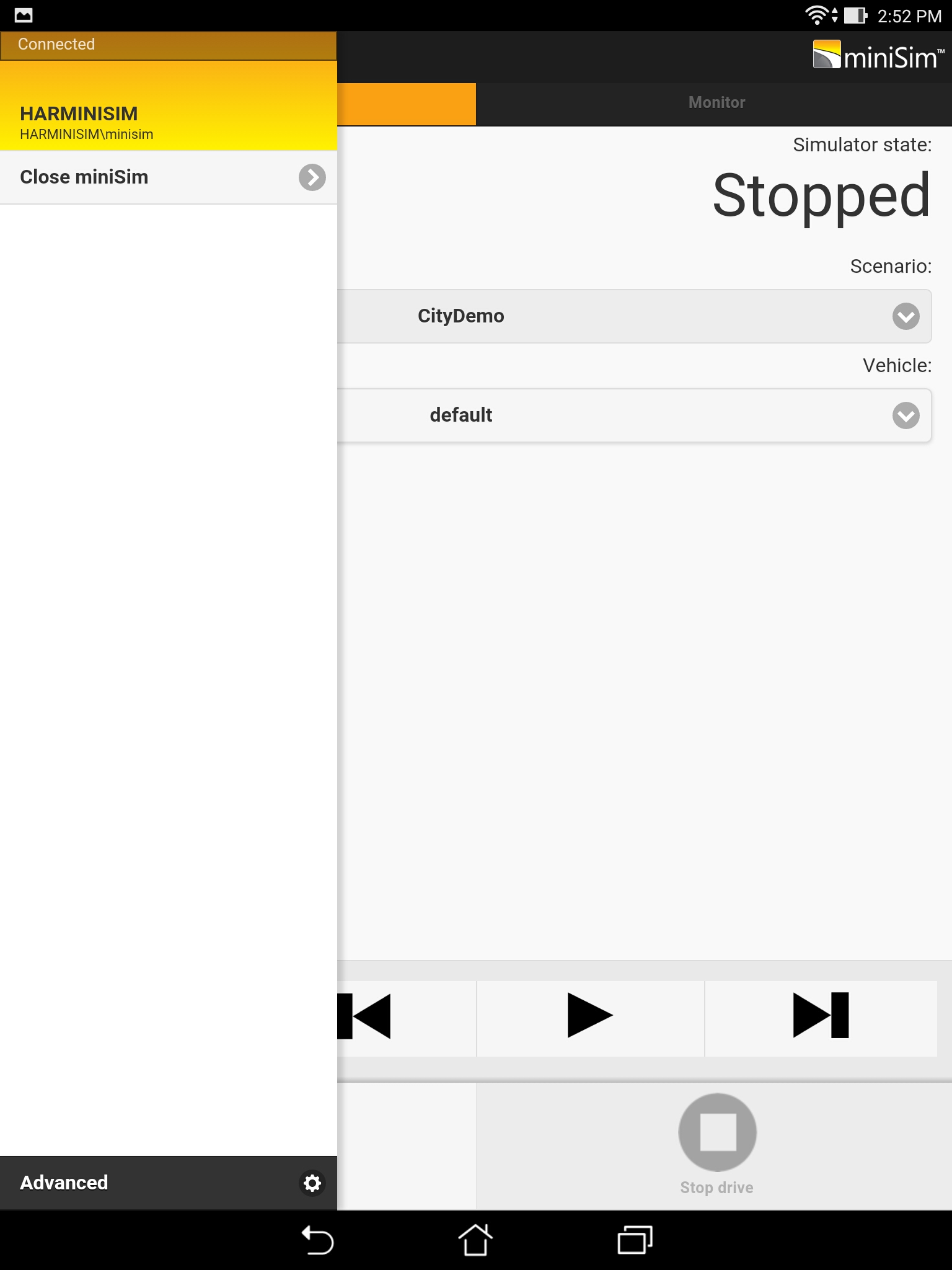
| 09:16, 27 May 2016 | Screenshot 2016-05-26-14-52-56.jpg (file) |  |
220 KB | Steve Cable | File uploaded with MsUpload | 1 |
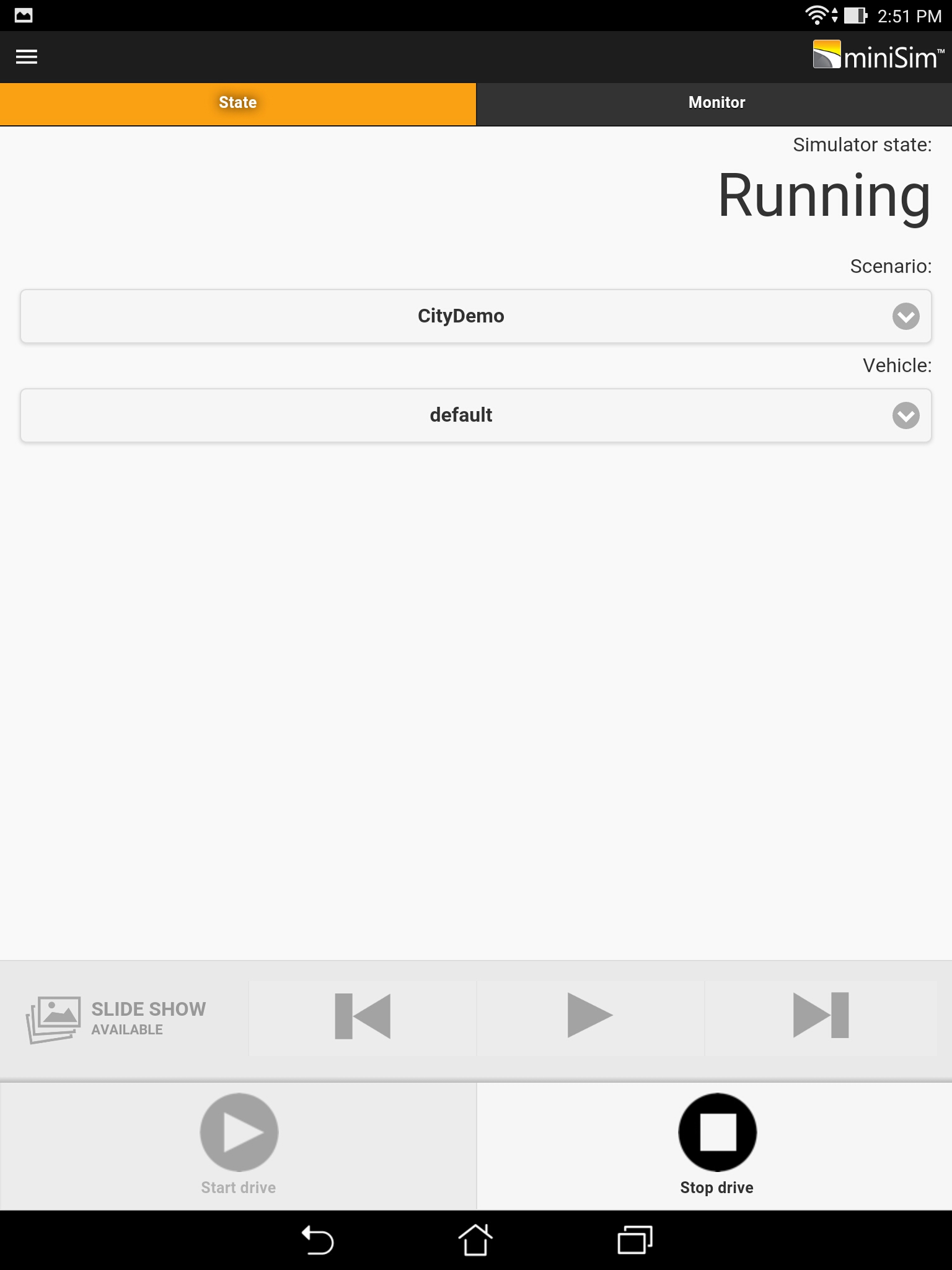
| 09:16, 27 May 2016 | Screenshot 2016-05-26-14-52-00.jpg (file) |  |
187 KB | Steve Cable | File uploaded with MsUpload | 1 |
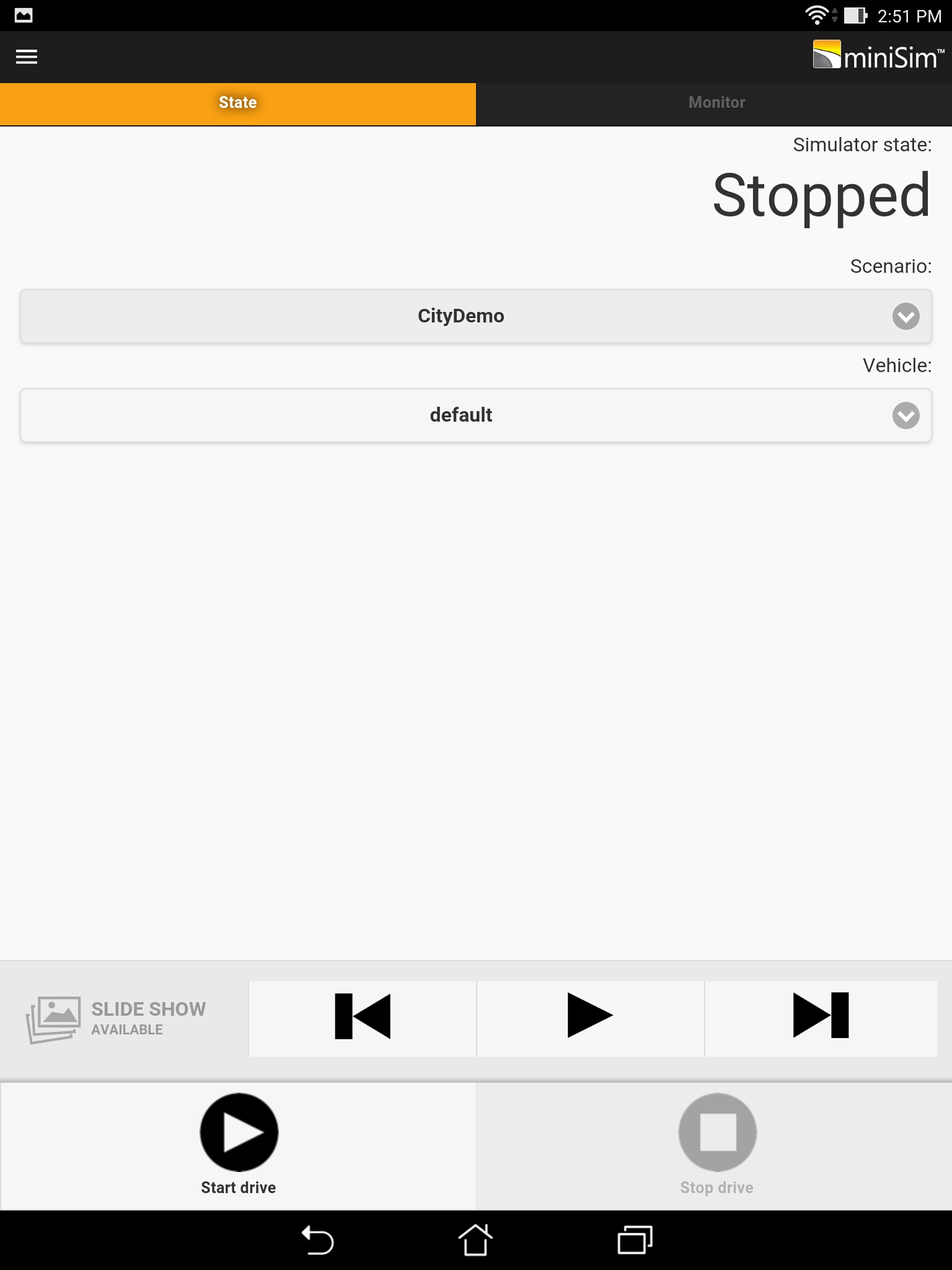
| 01:21, 27 May 2016 | Screenshot 2016-05-26-14-51-42.jpg (file) |  |
191 KB | Steve Cable | File uploaded with MsUpload | 2 |
| 10:34, 27 January 2015 | Minisim install figure7.jpg (file) | Error creating thumbnail: File missing |
19 KB | Steve Cable | miniSim Install Figure 7: Location of Instrument Panel Display | 1 |
| 10:33, 27 January 2015 | Minisim install figure6.jpg (file) | Error creating thumbnail: File missing |
8 KB | Steve Cable | miniSim Install Figure 6: Power and VGA connections on Instrument Panel Display | 1 |
| 10:33, 27 January 2015 | Minisim install figure5.jpg (file) | Error creating thumbnail: File missing |
8 KB | Steve Cable | miniSim Install Figure 5: Underside of Instrument Panel Display Stand | 1 |
| 09:52, 27 January 2015 | Minisim install figure4.jpg (file) | Error creating thumbnail: File missing |
26 KB | Steve Cable | miniSim Install Figure 4: Using the clamps to attach the shifter and wheel to the desktop (from Logitech's manual) | 1 |
| 16:16, 26 January 2015 | Minisim install figure3c.jpg (file) | Error creating thumbnail: File missing |
39 KB | Nadsroot | 1 | |
| 16:11, 26 January 2015 | Minisim install figure3a.jpg (file) | Error creating thumbnail: File missing |
18 KB | Nadsroot | Figure 3: Connecting the power supply, shifter, and pedals to the Logitech G25 wheel (from Logitech manual) | 1 |
First page |
Previous page |
Next page |
Last page |